Pdf2text
A downloadable tool for Windows
Pdf2text
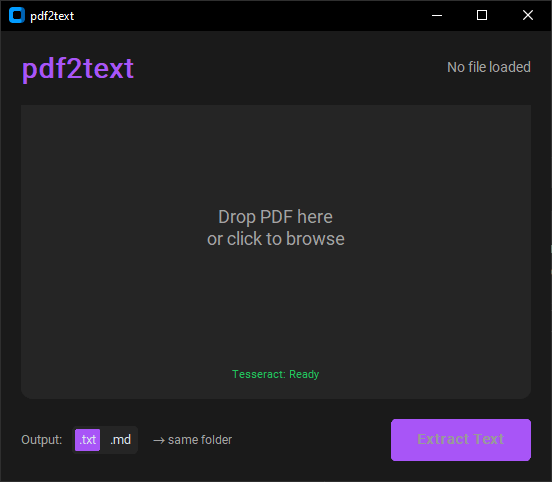
Drop PDFs, get text. Batch or single file.
- smart extraction - tries native text first (instant), falls back to OCR if needed
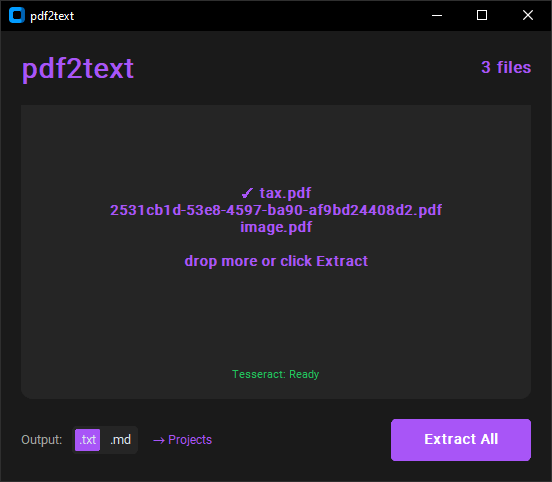
- batch mode - drop multiple PDFs, they stack up, extract all at once
- scanned docs - image-based PDFs work via OCR
- output formats - save as .txt or .md
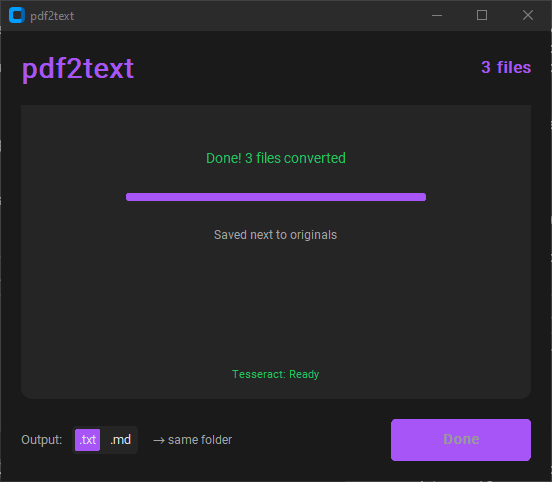
- custom destination - save next to originals or pick a folder
- drag & drop - or click to browse (multi-select supported)
how it works
1. Drop or select PDFs (they stack - keep adding)
2. Pick output format (.txt or .md)
3. Optionally set a destination folder
4. Hit "Extract All"
5. Native text → instant. Scanned → OCR page by page
6. Done
OCR support (optional)
For scanned PDFs, install Tesseract OCR:
https://github.com/UB-Mannheim/tesseract/wiki
Without it, native text extraction still works, you just won't get OCR for image-based PDFs.
why this exists
PDFs eat context when sharing with AI. This converts them to clean text - lighter, easier to work with.
Download
Click download now to get access to the following files:
Leave a comment
Log in with itch.io to leave a comment.