PixelRuler
A downloadable tool
PixelRuler
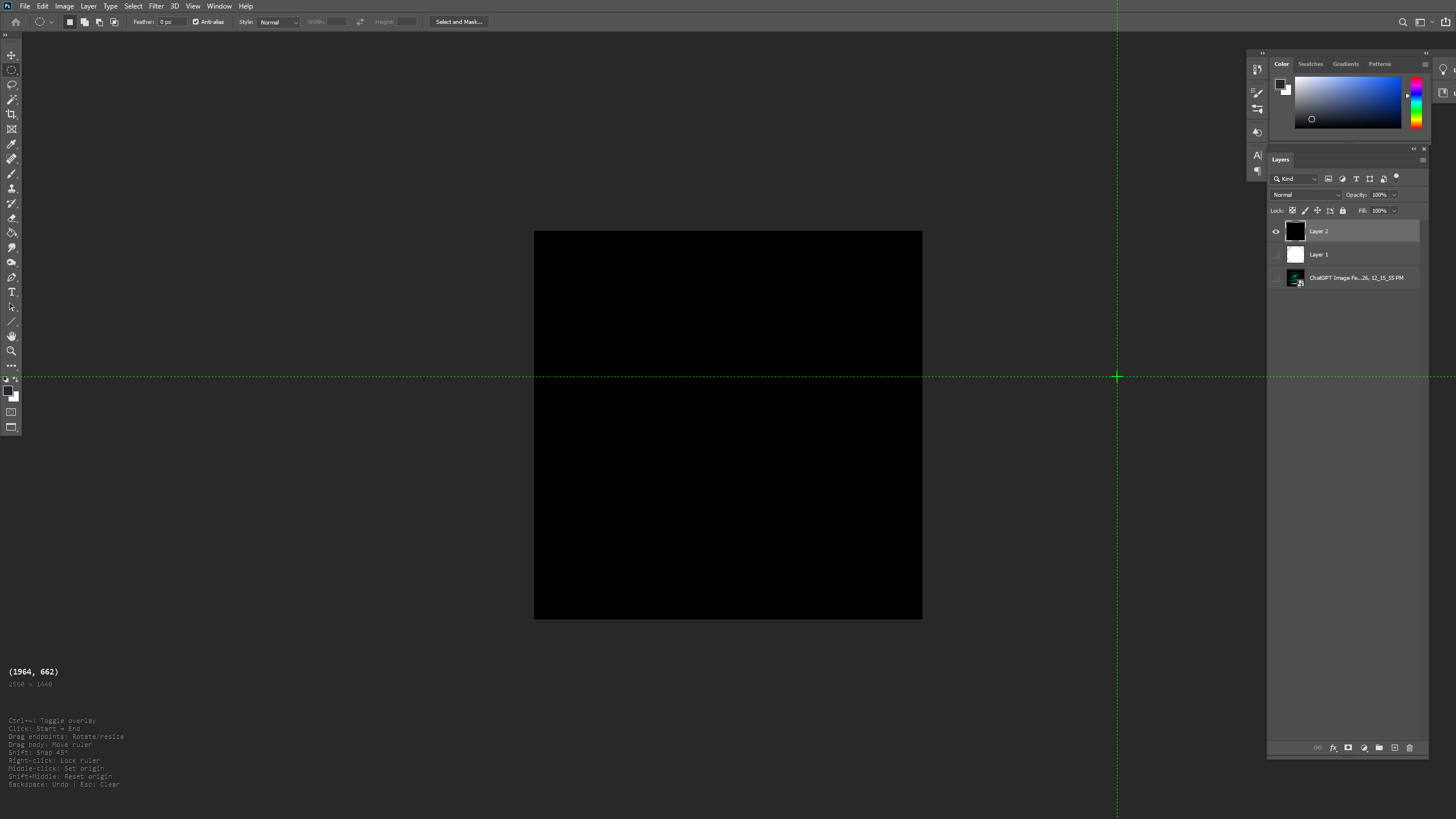
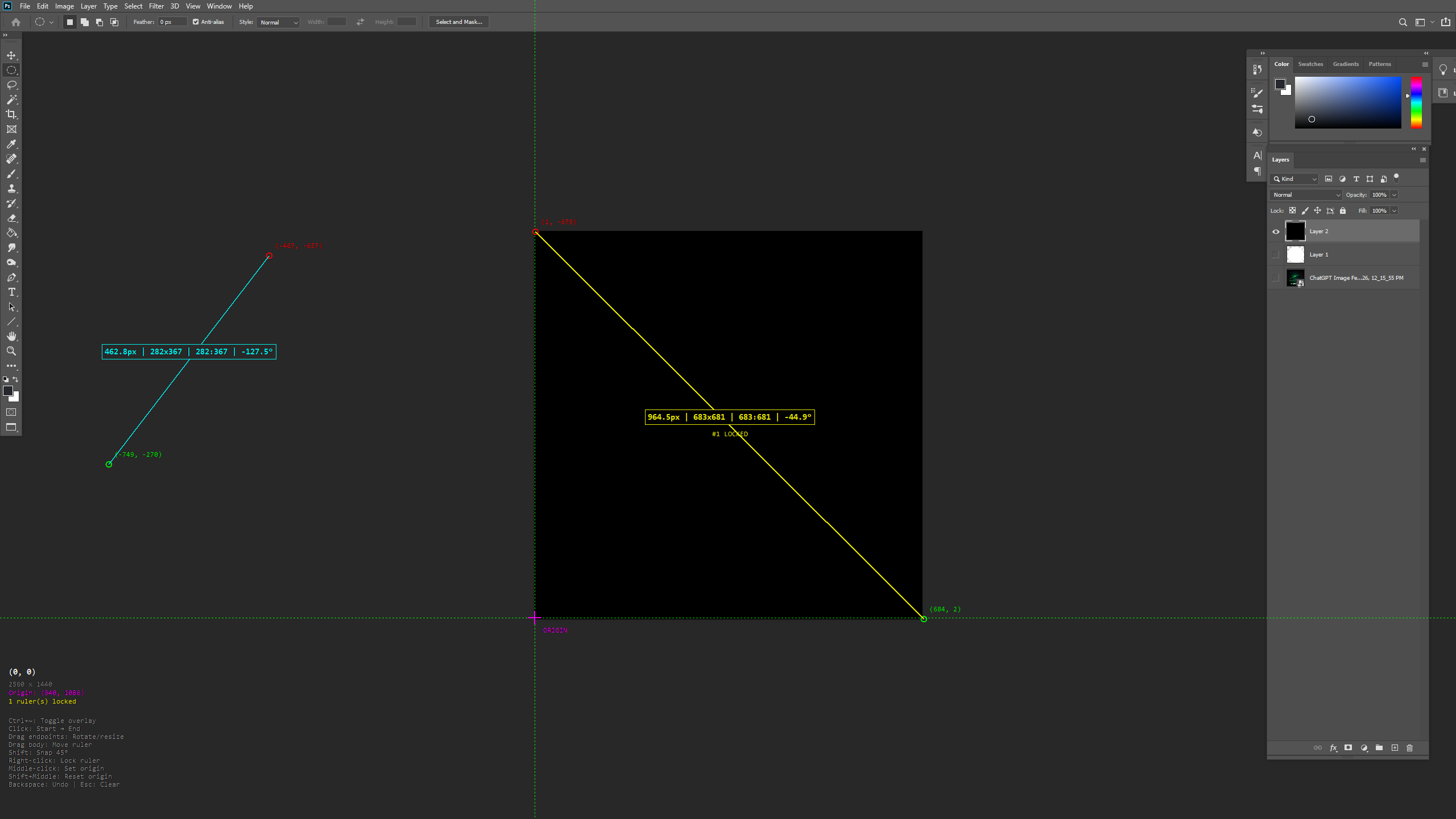
A lightweight screen measurement tool that lives in your system tray. Press Ctrl+~ to overlay precision crosshairs on your screen and measure anything in pixels.
Features:
- Measure distance, dimensions, aspect ratio, and angle between any two points
- Drag endpoints to rotate and resize, drag the body to reposition
- Shift-snap to 45° angles for perfect horizontals, verticals, and diagonals
- Lock multiple rulers on screen for comparison
- Set custom origin point anywhere on screen (middle-click)
- Undo with backspace, clear all with Esc
- DPI-aware for accurate measurements on high-res displays
Controls:
- Ctrl+~ — Toggle overlay
- Click — Set start/end points
- Drag — Adjust ruler position
- Shift — Snap to 45° increments
- Right-click — Lock ruler
- Middle-click — Set origin
- Shift+Middle — Reset origin
- Backspace — Undo
- Esc — Clear all
Perfect for UI designers, developers, digital artists, or anyone who's ever squinted at their screen wondering "how many pixels is that?"
----
PixelRuler v2 Roadmap:
1. Hex color picker — Show color under cursor, C to copy
2. Magnifier — M to toggle zoomed view at cursor
3. Settings UI — S for color customization panel
4. Export — Save overlay as transparent PNG + ruler measurements
5. Key suppression — Block backspace/esc from leaking to other app
6. Cartesian and absolute origin mode
Download
Click download now to get access to the following files:
Leave a comment
Log in with itch.io to leave a comment.