Porthog
A downloadable tool for Windows
PortHog
What's on port 3000? Now you know. Now it's dead.
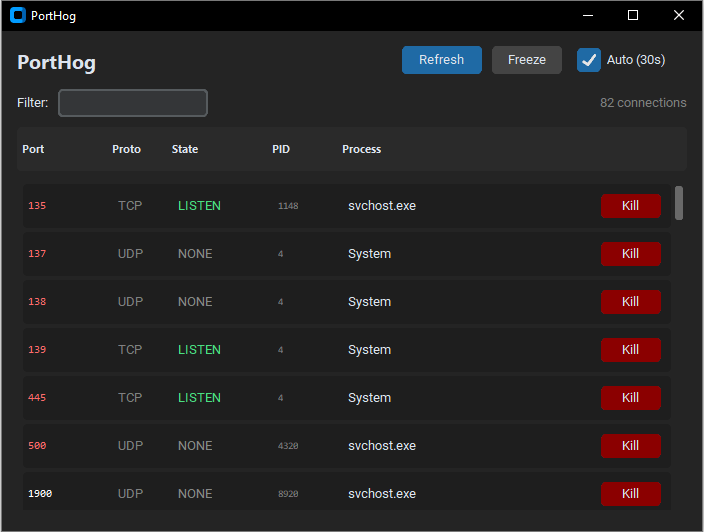
PortHog shows you every open port on your machine — what process is using it, what state it's in, and gives you a big red button to kill it.
Features:
- See all active connections at a glance
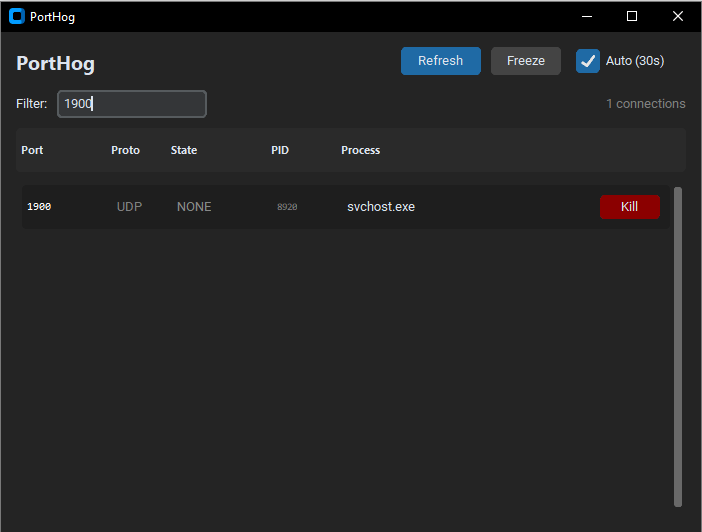
- Filter by port number or process name
- One-click process termination
- Auto-refresh every 30s (or freeze to investigate)
- Dark theme because we're not animals
Made for developers who are tired of netstat -ano | findstr and then having to look up the PID and then open Task Manager and then...
Just run PortHog. Click Kill. Get back to work.
---
Note: Run as admin for full visibility and kill permissions on system processes.
Download
Click download now to get access to the following files:
Leave a comment
Log in with itch.io to leave a comment.